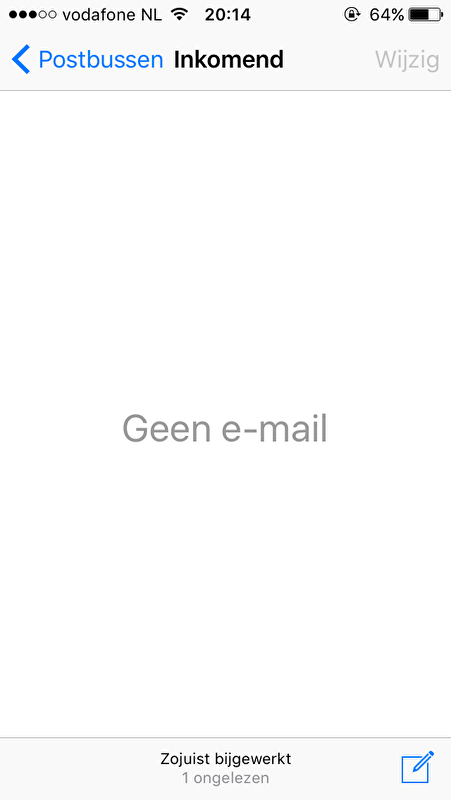
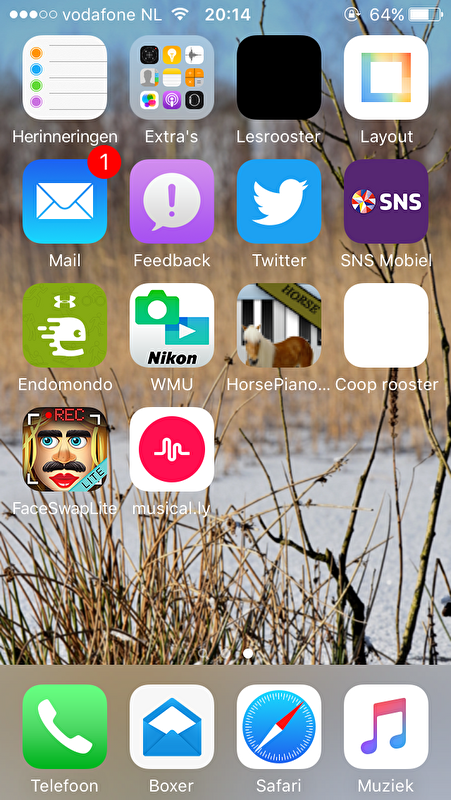
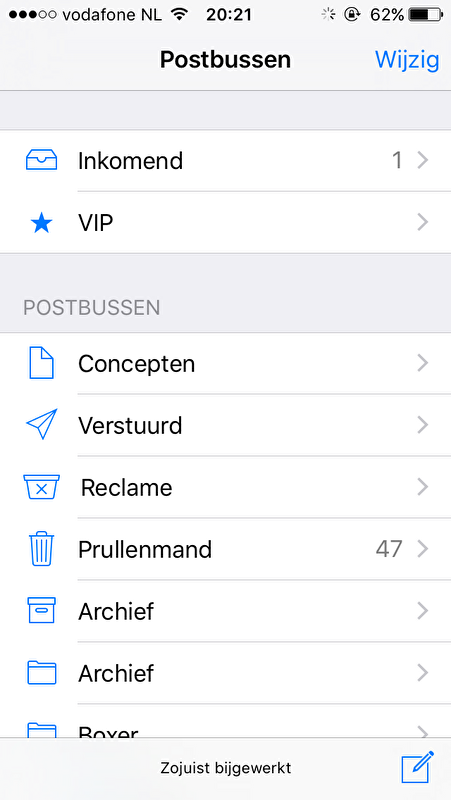
SimoneeM schreef:Restart your device.
3-The next fix is to disable the Mail settings and restart the Mail app. Here is how:
Go to Settings > Mail, Contacts, Calendars
Select the mail account that shows the incorrect unread mail notifications, if you have more than one.
Disable “Mail”. Note this does not delete your account.
Turn off Mail in Settings
Exit Settings by pressing the Home Button
Close the Mail app by pressing the Home button twice. You will see your recently used apps, you may want to swipe left to find it. When you see the Mail app preview, swipe up to close it.
Now once again go to Settings > Contacts, Calendars and select the mail account
Enable ” Mail”
Check to see if your mail app is now showing the correct unread email counts.
Kopiëren is me eindelijk gelukt.
Dit hielp bij mij!
Jaaaa dit helpt !! Dankjewel! 


 Geplaatst